
Are your contact details up to date?
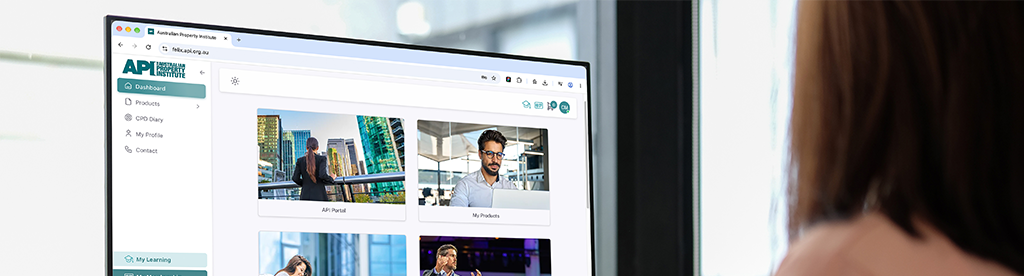
We’re asking all our members to take a moment to check the details we have on file for them. Your contact information is how we stay connected with you, so it’s important that it’s accurate.
When your details are current, you won’t miss anything that matters to your membership. That includes your renewal notices, CPD updates, event invitations and the latest news from across the API. A quick check now saves you from missing something important later.
You can review and update your details yourself in the Member Portal at any time. Here’s how:
- Log in to the Member Portal
Head to the portal and select My Profile from the menu on the left - Find your address
Once your profile opens, select Update Address on the left. If you don’t have an address saved yet, you’ll see Add Address instead - Enter your details
A window will pop up where you can type in your new address. - Save
Click Save Changes and you’re done.
While you’re there, it’s worth checking that your phone number and email are still right too.
Posted on November 11, 2026
Related Posts
 Economy
Housing loans plummet amid tax reforms and higher interest rates
 Economy
Impact of Interest Rate Hikes on Consumer Spending So Far
 Economy
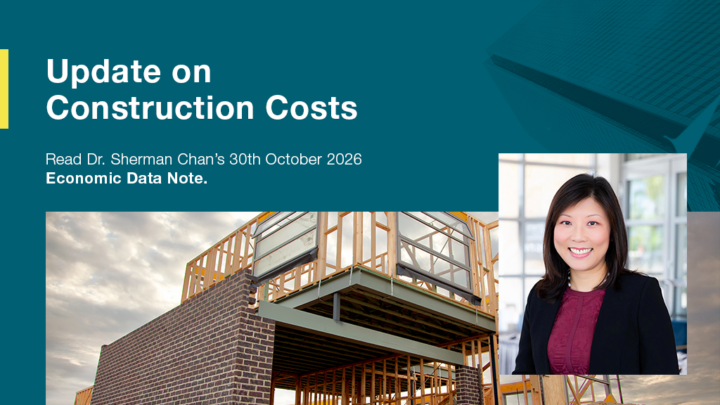
House Construction Costs Remain Elevated Despite Market Downturn
 Economy
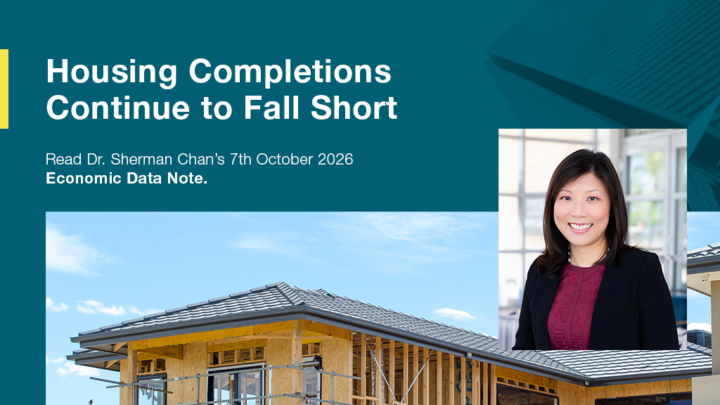
Housing completions continue to fall short
 Economy
The Start of a Fierce Economic Debate
 Members